Convert HTML file to JPEG
Converting HTML files to the JPEG format is one of the rarer tasks users encounter. For example, you may need to include a web page into a PowerPoint presentation. There is no way to do this with standard software, but Universal Document Converter makes it easy. With Universal Document Converter, you can convert HTML files to JPEG format with full control over a wide selection of conversion parameters.
Please follow this manual to start converting HTML file
-
Download and install Universal Document Converter software onto your computer.
-
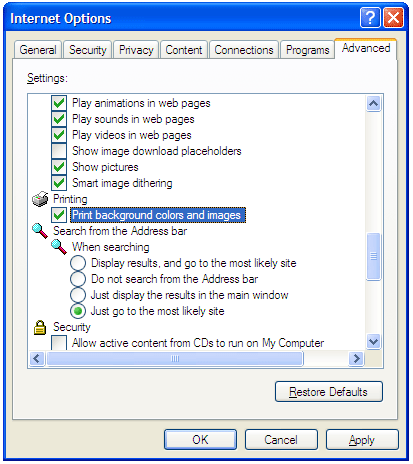
Open the web page in Internet Explorer. In main menu, go to Tools->Internet Options->Advanced. In Printing section check the Print Background colors and images option and press OK.
-
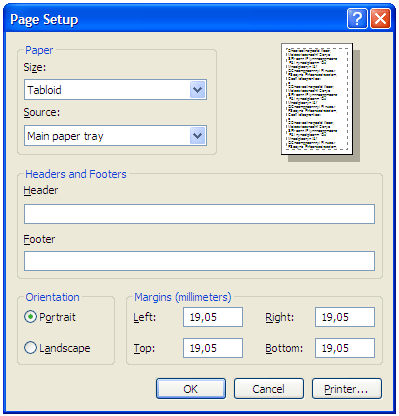
To remove page header and footer from the output image file, press File->Page Setup. Remove any text from the Header and Footer fields and press OK.
-
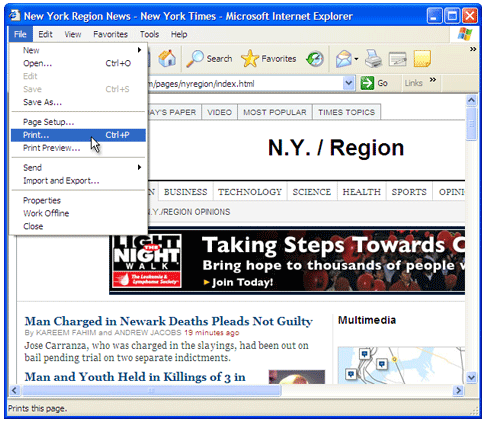
Press File->Print… in the Internet Explorer main menu.
-
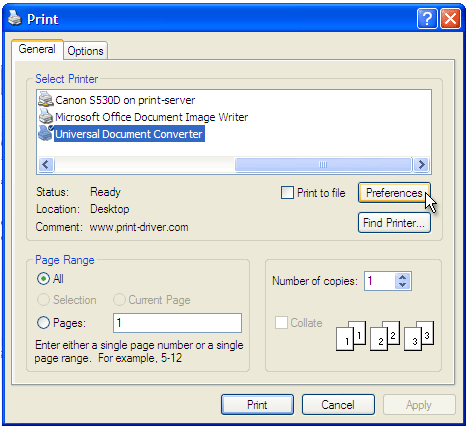
Select Universal Document Converter from the list of printers and press Preferences button.
-
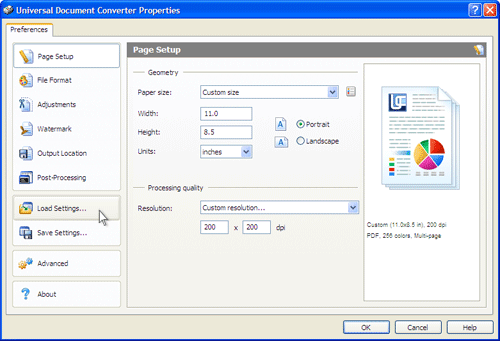
On the settings panel, click Load Properties.
-
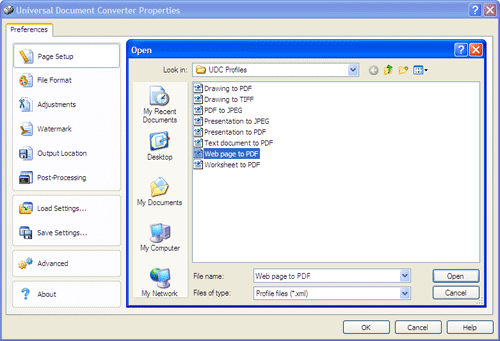
Use the Open dialog to select "Web page to PDF.xml" and click Open.
-
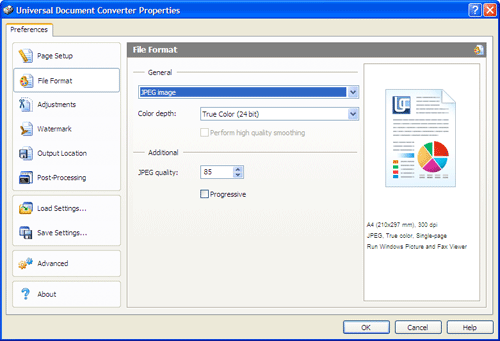
Select JPEG image on the File Format tab and click OK to close the Universal Document Converter Properties window.
-
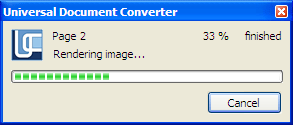
Press Print button to start conversion. When the JPEG file is ready, it will be saved to the My Documents\UDC Output Files folder by default.
-
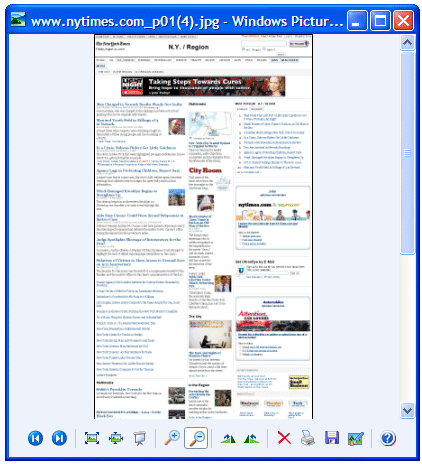
1. The converted document will then be opened by the Windows Picture and Fax Viewer software or another viewer associated with the JPEG files on your computer.
Related conversion tutorials:
-

Mitsuharu Shibata
Japan
«I am very good at commanding PC, but other company employees can use a PC a little. I can set rules to the files on server like adding the date, and the name and so on. Everyone can convert documents with the same format following my rule.»