How to Convert Quark Document to PDF
Universal Document Converter enables the users to easily convert QuarkXPress files to the PDF format ensuring full control over a wide selection of options. The software makes it possible to specify all the parameters for the converted files. When converting files from QuarkXPress to PDF with Universal Document Converter, it’s possible to take control of the following parameters: color depth, page parameters, compression algorithm, and password protection. Universal Document Converter can also create files of the PDF/A standard.
Please follow this manual to start converting QuarkXpress documents
-
Download and install Universal Document Converter software onto your computer.
-
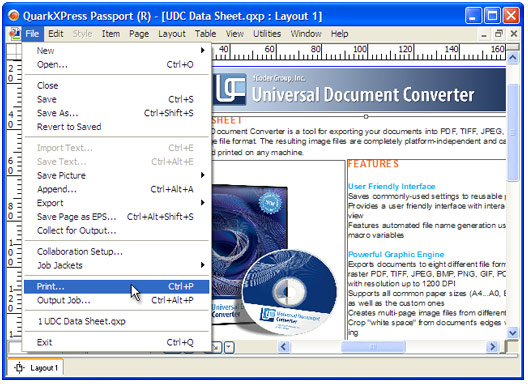
Open the document in QuarkXpress and press File->Print… in the application main menu.
-
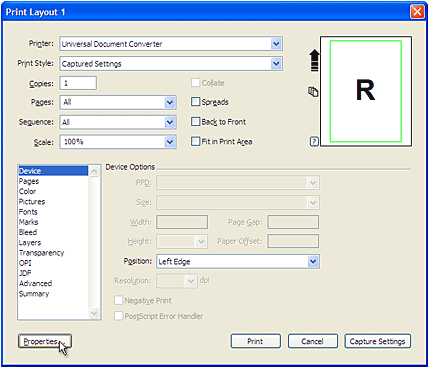
Select Universal Document Converter from the list of printers and press Properties… button.
-
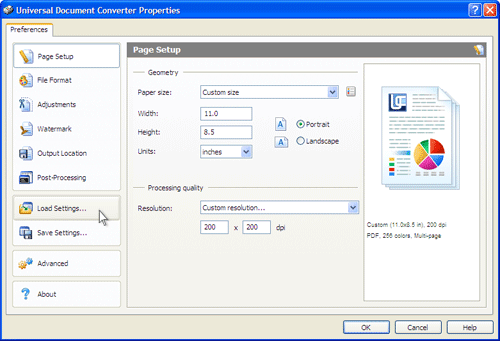
On the settings panel, click Load Properties.
-
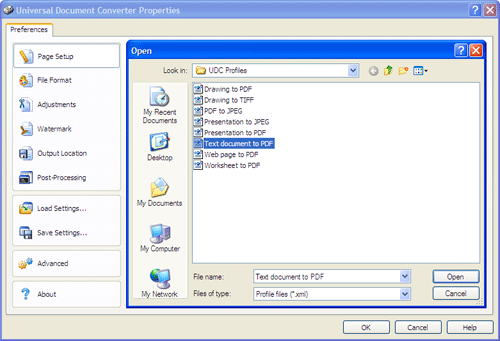
Use the Open dialog to select "Text document to PDF.xml" and click Open.
-
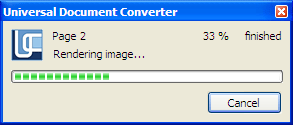
Press OK in QuarkXpress Print dialog to start conversion. When the PDF file is ready, it will be saved to the My Documents\UDC Output Files folder by default.
-
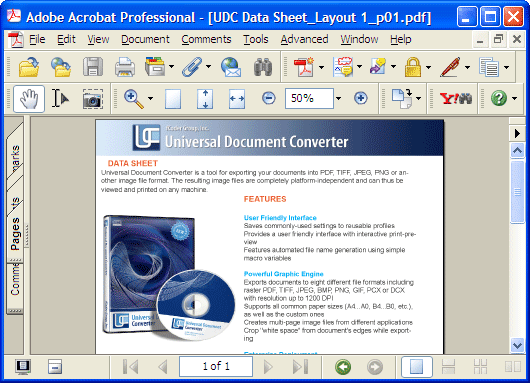
Converted document will then be opened by Adobe Acrobat or another viewer associated with the PDF files on your computer.
Related conversion tutorials:
-

Arthur Rabatscher
AR-Soft Widnau GmbH, Switzerland
«On a Delphi-Developer-Homepage we found an example how to convert Word- or Excel Documents into PDF. Within this source code the use of the OCX of the Universal Document Converter was shown. This was the easiest way, how we could convert all kinds of documents into the PDF Format.»