


Set Output File Format
Click the Load Settings button. The Windows Explorer window will open automatically. Use it to select a profile appropriate for your task. For example, to convert a Microsoft Word document to PDF, use Text document to PDF.xml.
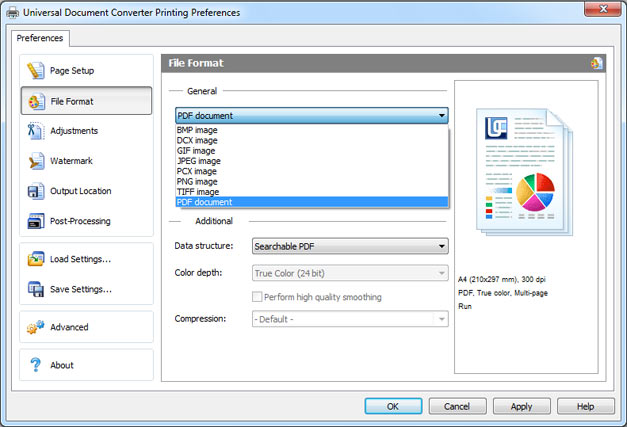
If a suitable profile is not shown, select the File Format tab and use the drop-down list to select the desired format. Modify output file default settings as required.
-

Elena Watson, PhD
Russia
«Universal Document Converter allows me to turn either the whole document or parts of it into a picture, thus ensuring that the end result will not be distorted and will appear exactly as intended.»