Upgrade a Previous Version of Universal Document Converter
The Software Installation section describes the Universal Document Converter installation process for a computer that does not have a previous version of the software. In the event a previous software version has been installed on the computer, the installation process will be slightly different.
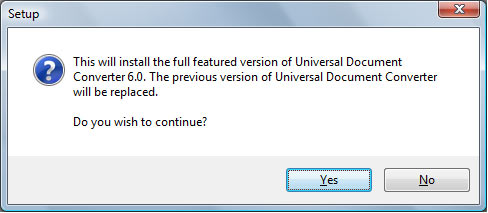
Once the installation starts, there will appear a dialog asking the question: "This program will install the full/demo version of the Universal Document Converter on your computer. Previous version of Universal Document Converter will be replaced. Do you wish to continue?
Press Yes to continue, No to cancel. If "Yes" is selected, the installation program will remove the old version of the Universal Document Converter, restart the computer, and start the installation.
See also: