Installation
Setup program adds Universal Document Converter into your system as a virtual printer. Universal Document Converter appears in folder Devices and Printers after the installation is completed.
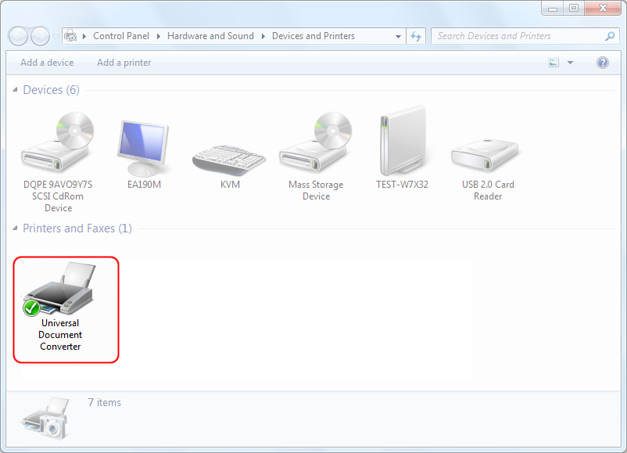
Universal Document Converter as a network printer will dramatically increase complex tasks solution efficiency. Your server with shared Universal Document Converter will take care of multipage documents and large drawings and allow the users to carry on their work without waiting for the conversion process to finish. Read more about network printing with Universal Document Converter.
-

Thomas Vass
Owner of The Private Capital Market Crowd Funding Website
«I have used Universal Document Converter since the very first versions as my sole tool for making document conversions. It works flawlessly and is very user-friendly. I recommend the product for all business applications.»